
Mobile access
How the Shuffle casino app and mobile site actually work
Most Canadians playing at Shuffle do it from a phone. This page covers how you get there, what the mobile experience gives you, and the security habits worth having before real money is involved.

01 Getting there
Start with the browser, not the store
Shuffle runs as a full web platform. Opening it in Safari or Chrome gives you the complete product — wallet, casino, sports, challenges — without installing anything.
Add it to your home screen
This is what most people mean by "the app". It gives you an icon, a full-screen view without browser chrome, and one-tap access.
- iPhone / iPad: open Shuffle in Safari, tap the Share button, choose Add to Home Screen.
- Android: open Shuffle in Chrome, tap the three-dot menu, choose Add to Home screen or Install app.
These are standard browser features and work with any site — nothing is downloaded from a third party.
Be careful with downloadable APKs
Casino brands are a favourite target for fake installers. Anything offering a "Shuffle casino app download" from a forum, a messaging group or an unfamiliar site should be treated as hostile until proven otherwise.
Rule of thumb: if the file did not come from a link on Shuffle's own domain, do not install it. A browser shortcut does everything a wrapper app would, without handing an unknown package access to your phone.
02 On the small screen
What the mobile experience covers
The whole lobby
Originals, slots, live casino, table games and the sports tab are all reachable from the collapsed menu. Nothing is desktop-only.
Wallet and conversion
Deposits, withdrawals and the SHFL convert tool sit behind the wallet button in the top bar, with the same balance you see on desktop.
Challenges and promos
Daily challenges, the lottery and airdrop counters carry over, so you are not missing timed features by playing from a phone.
Search that saves time
With a large slots catalogue, typing a title is faster than scrolling shelves. The search field is the first thing in the mobile menu for a reason.
Live chat support
The support widget follows you around the mobile interface — relevant because the 200% bonus is applied by support after your deposit.
Session history
Bet history and provably fair verification are available on mobile, which matters if you want to check an originals round rather than trust it.
03 Security
Phone-specific things worth doing
- Turn on two-factor authentication
An authenticator app on the same phone still blocks anyone who only has your password.
- Do not rely on "stay logged in" on a shared device
A saved session on a phone that leaves your hand is an open account.
- Bookmark the real address
Type it once, save it, and use the bookmark. Search results and links in chat apps are where fake casino pages live.
- Keep the device locked
A biometric lock is the difference between losing a phone and losing a balance.
- Withdraw to an address you control
Copy-paste errors and clipboard malware are the two ways crypto withdrawals go wrong. Verify the first and last characters every time.
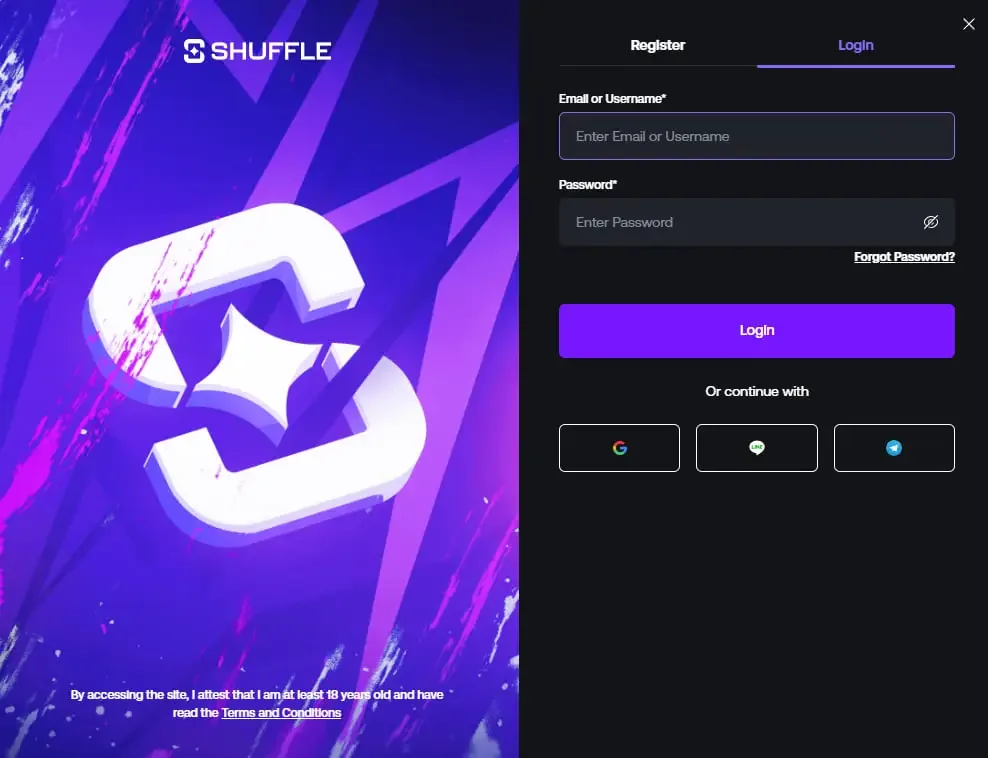
More detail on sign-in and recovery is in the Shuffle casino login guide.
04 New accounts
Registering from a phone with SHFLVIP
The mobile sign-up form is the same form, just narrower. That narrowness is the problem: the Referral Code (Optional) field sits below the password box, and on a small screen it is one thumb-flick away from being skipped entirely.
If you intend to use the 200% first deposit offer, enter SHFLVIP before you submit. There is no way to attach it afterwards — the field does not exist anywhere in account settings.
The full walkthrough, including a screenshot of the field, is on the Shuffle casino promo code page.
200% Deposit Bonus up to $1,000
The operator's first deposit offer, opened with the referral code below.
- Verified code
- Referral code
- 200% Bonus
- Up to $1,000
- No expiry date published
The code works during account creation only. Full conditions are published by the operator — read them before you deposit.
05 FAQ
Mobile and app questions
We do not claim one. App store availability for gambling apps varies by country and changes without notice, and we are not going to send you searching for a listing that may not exist in Canada. The reliable route is Shuffle's own website in your mobile browser, plus a home-screen shortcut if you want an app-style icon. If Shuffle publishes a native app for your region, the only safe place to get it is a link from their own site.
You are loading the same platform, so the catalogue is the same. What changes is layout: the desktop sidebar collapses into a menu, game shelves become horizontally scrollable rows, and live dealer tables render in a portrait-friendly view. Some slots are more comfortable in landscape simply because of how the studio designed the grid.
Yes. The mobile registration form carries the same Referral Code field as desktop. Enter SHFLVIP before you submit the form — on a small screen it is easier to scroll past, which is exactly how people lose the offer. The promo code guide shows the field.
Casino originals are lightweight. Slots with heavy animation and, above all, live dealer tables are video streams and will use meaningfully more of both. If you are on a limited plan, stick to originals and slots when you are away from Wi-Fi, and keep live tables for home.
Rounds are resolved on the server, not on your phone, so a dropped connection does not cancel a bet that has already been placed. Reopen the site and the result will be reflected in your balance and history. Where connection loss does matter is in games that require an active decision — a crash-style cash-out cannot be made if you are not connected.
Play from the phone you already have
Open Shuffle in your browser, add it to the home screen, and register with SHFLVIP if you want the first deposit offer.
19+. Bonus terms apply and can change — check Shuffle's current conditions before depositing.